The easiest way to organize your secret Santa
Organize your draw in minutes. Create a group, add participants and send them their result by email.
How it works
Everything you need
Organize groups
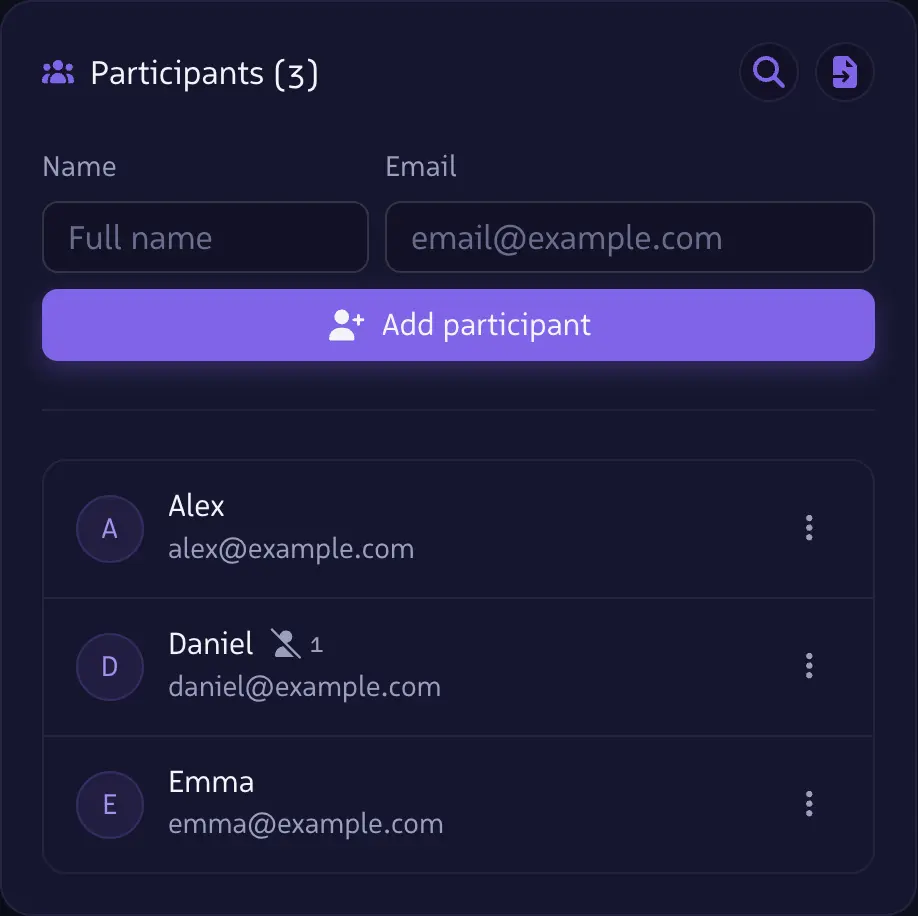
Create groups for your gift exchanges. Add participants with their name and email.
Add restrictions
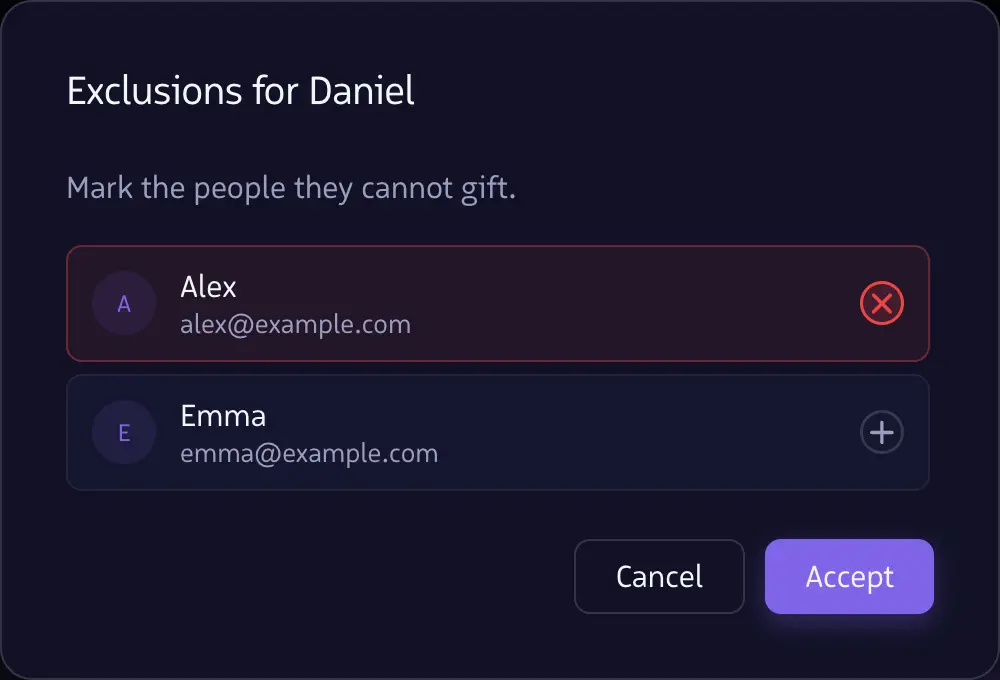
Mark the people each participant cannot gift.
Automatic draw
The algorithm randomly assigns who gifts whom, without repetitions.
Email notifications
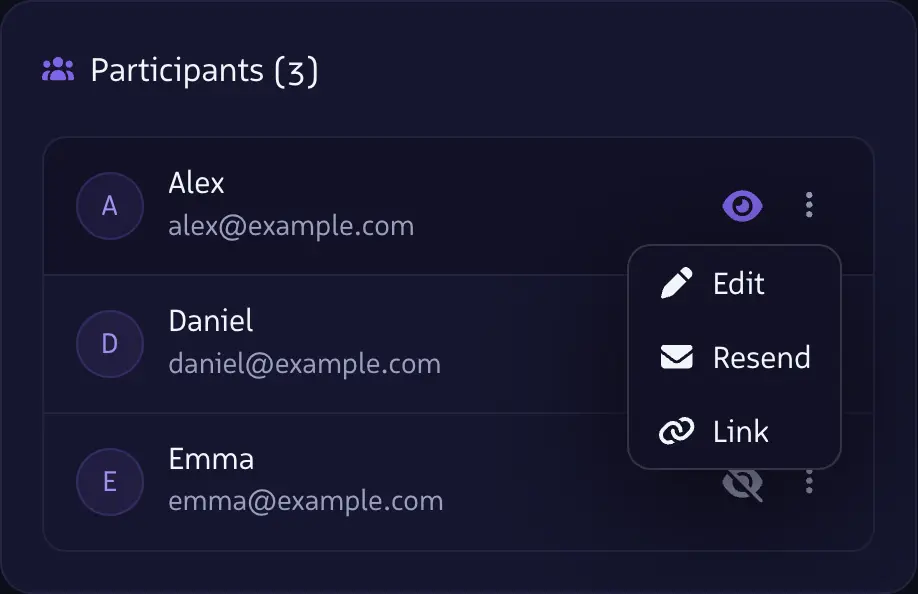
Each participant receives an email with a personal link to their secret assignment.
No repeats
Prevents participants from being assigned the same recipient as in the previous draw.
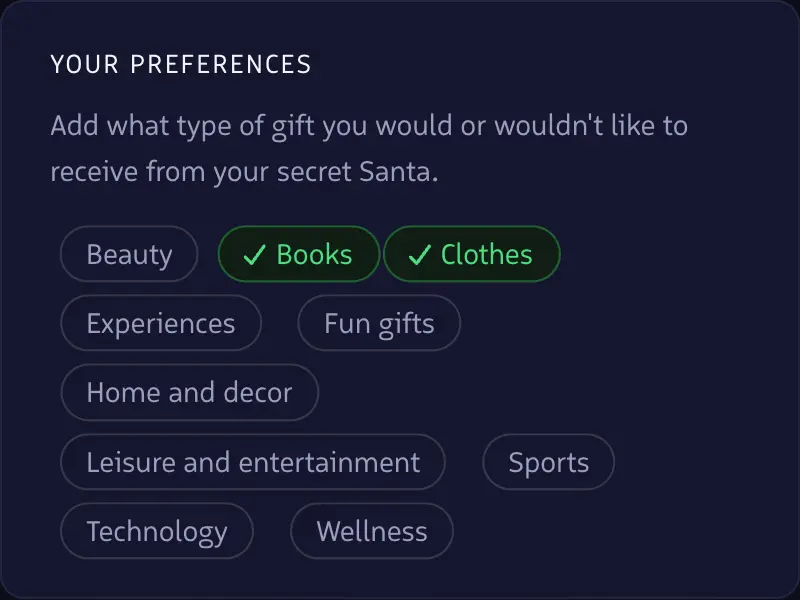
Gift preferences
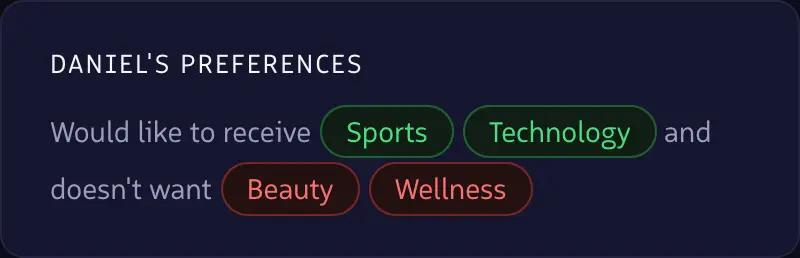
Each participant can select gift categories they prefer (or don't want) to receive.
Demo video
See it in action
Step by step
See how it works
FAQ
Got questions?
Yes, Secretfy is free for most common uses. You can create groups, add participants and perform draws at no cost. Additionally, if you ever need to manage larger groups or access advanced features, we also offer premium options.
Once you've added all participants and configured any restrictions (if any), you can run the draw whenever you decide. Our algorithm automatically assigns each participant to another, avoiding self-assignments and respecting the configured restrictions.
Yes, you can create custom restrictions to prevent certain people from being assigned to each other. For example, you can prevent couples or close family members from gifting each other, ensuring a more fun draw.
As the organizer, you can remove participants at any time before running the draw. If you've already run the draw and need to make changes, you can create a new draw with the updated participants.
No. Participants don't need to register. Only the organizer needs an account to create and manage groups.
Yes, when creating your draw you can set a suggested budget range (for example, between $15 and $30) that will be visible to all participants when they access their assignment link.
Each participant receives an email with a personal link to their secret assignment. Only they can see who they need to gift.
No — if the organizer also participates in the draw, they receive their own assignment just like any other participant. This keeps the surprise for everyone, including the person who organized it.
The draw is run when you decide to close it — not automatically. The date you set when creating the draw is the gift delivery date, not the draw date. This gives you flexibility to add participants and configure restrictions at your own pace.
Yes, you can edit the draw details, add or remove participants, and modify restrictions at any time before running the draw. Once the draw has been run, you can update participant details, but you can't add or remove participants.
Yes, you can duplicate a group you've previously drawn and enable the option to avoid repeats. This automatically generates the exclusions needed so that no one has to gift the same person as last time.