Secret Santa for companies: set it up in minutes
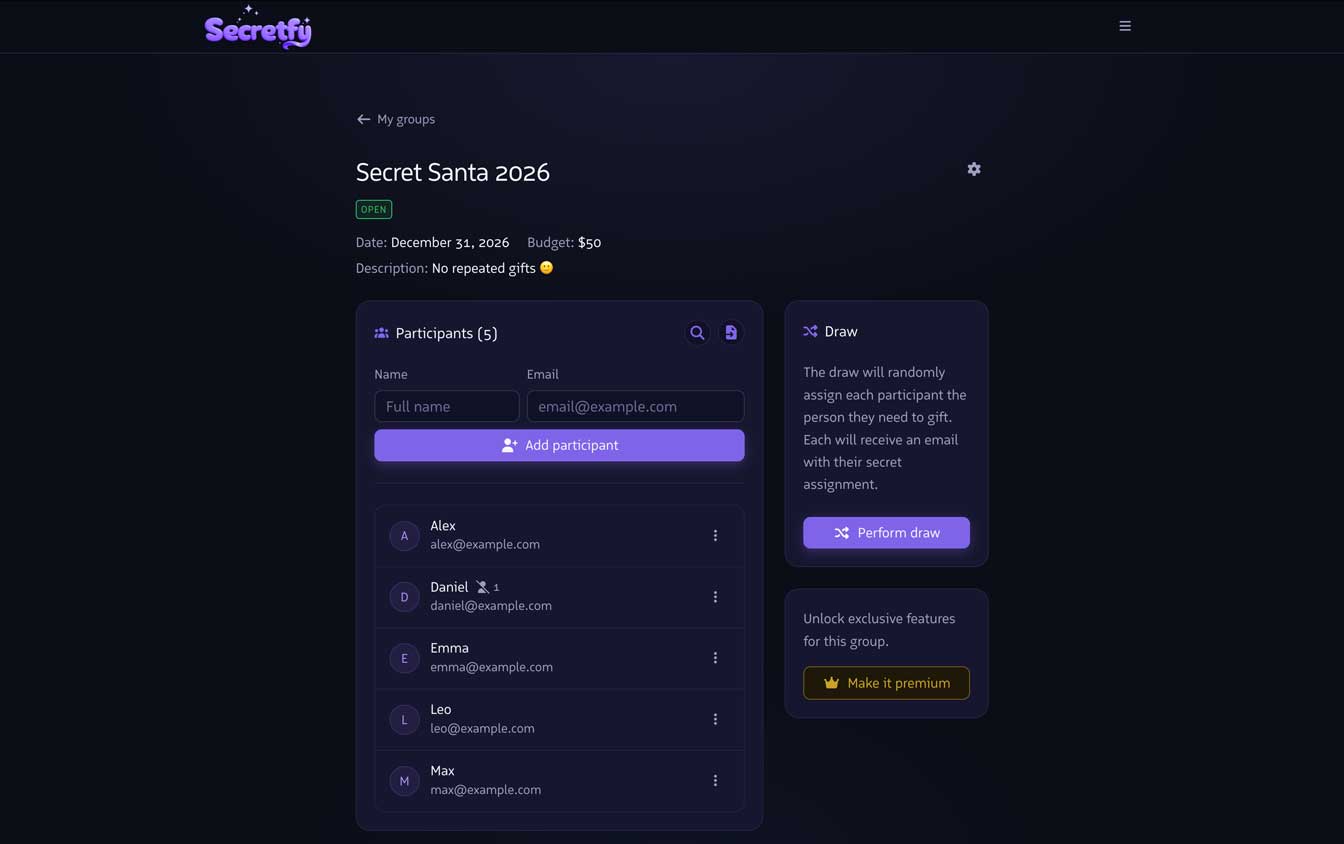
December rolls around and someone has to organize the office Secret Santa. In a mid-size or large company that can quickly turn into a real chore: collecting names, drawing manually, making sure no one gets assigned to themselves... and handling requests from people who'd rather not exchange gifts with certain colleagues.
Secretfy was built exactly for this. A few clicks and the draw is done — no shared spreadsheets, no slips of paper.
Keep teams separate with independent groups
When a company spans multiple departments, it usually makes sense to run separate draws: one for marketing, one for engineering, one for sales. With Secretfy you can create as many groups as you need from your account, each with its own participants and settings. No crossovers, no confusion.
Import the list in seconds
Adding names one by one is a pain. Instead, you can import participants in two ways: uploading a CSV file or copying directly from an Excel or Google Sheets spreadsheet and pasting into the app. Secretfy reads the data automatically and adds everyone to the group without any extra steps.
Exclusions: for when some pairings just won't work
Sometimes there are good reasons why two people shouldn't be paired — they're a couple, they were matched last year, or they simply prefer it that way. You can set exclusions per participant and the draw will respect them automatically, no manual juggling required.
Results delivered by email, privately
Once the draw is run, each participant gets an email with a unique, private link. When they open it, they see only the name of the person they're buying for. Nobody else can see that information — not even the person who organized the draw. The surprise stays intact.
If you need to sort out the office Secret Santa this year, give it a try. The account is free and you'll have the draw ready before you finish your coffee.